New새 데스크톱 앱 출시 — 더 많은 플랫폼, 더 강력한 기능. 지금 사용해 보세요.
Pull the videos and images out of a WeChat article
Paste the article link — images can be selected and saved in bulk, videos are listed by quality with their file size
Tap the ··· in the top right of the article and choose Copy Link
How to extract media from a WeChat article in three steps
- 1
Copy the article link
Tap the ··· in the top right and choose Copy Link, or copy the address bar on a computer.
- 2
Paste it here
Drop the link into the box above and press the button. Videos and images come back together.
- 3
Take what you need
Videos are listed by quality with their size — pick one. Tick the images you want and save them in one go.
Why use SnapAny for WeChat articles
Bulk image saving
An article can carry dozens of images. Tick the ones you want and save them together instead of one at a time.
File sizes up front
Each quality shows how large the file is, so you know what you are about to spend before you tap.
No extension needed
Open the page, paste a link. Nothing to install, no account.
Phone and computer alike
The same page works in a mobile browser and a desktop browser.
Nothing is kept
We do not store the article links you paste or the media behind them.
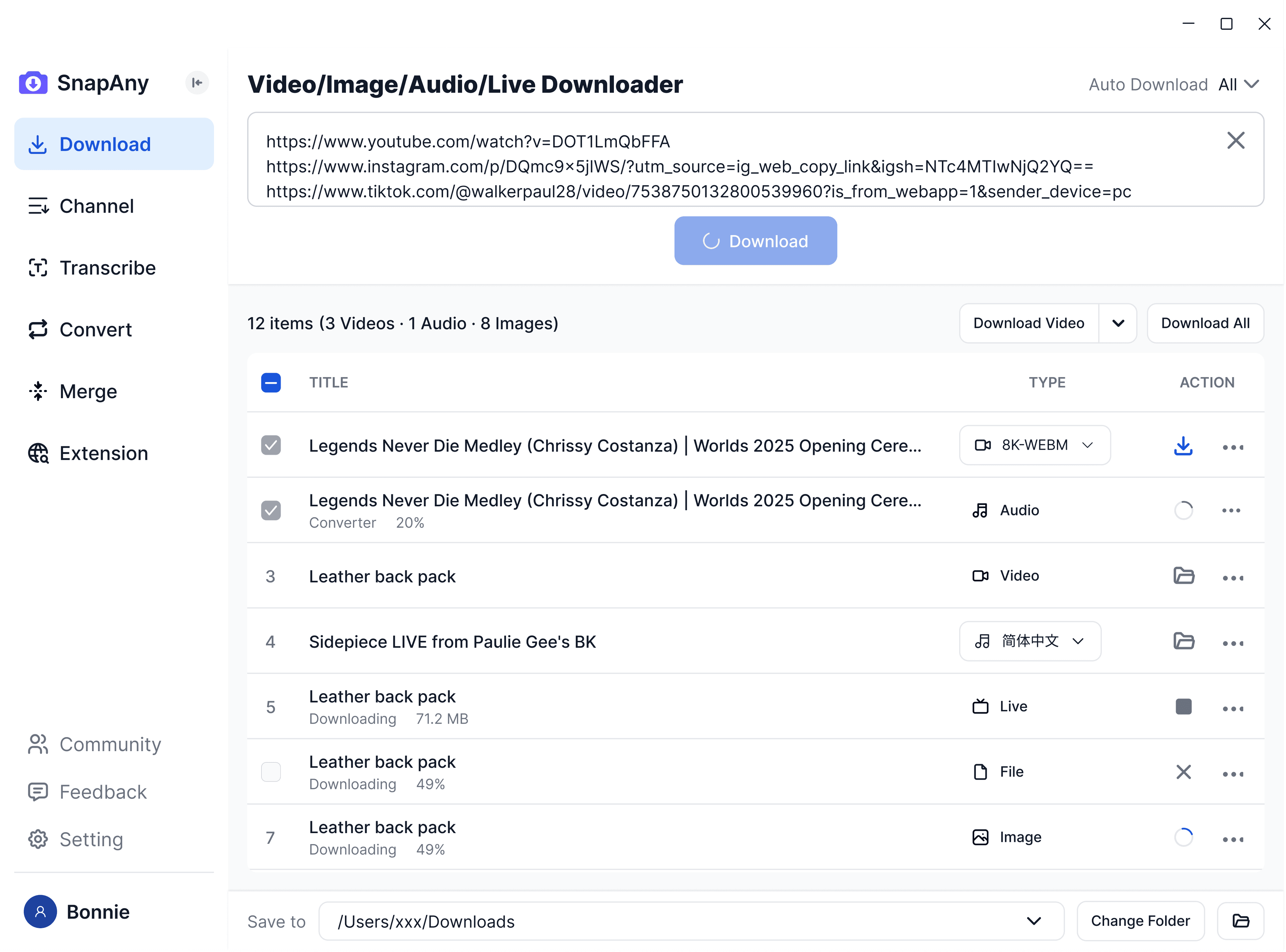
SnapAny 데스크톱 앱
더 많은 플랫폼에서 일괄 다운로드, 자막/오디오 추출, 브라우저 스니핑, 미디어 병합, 형식 변환을 지원 — 모든 다운로드 요구를 충족하는 완벽한 솔루션. 더 알아보기
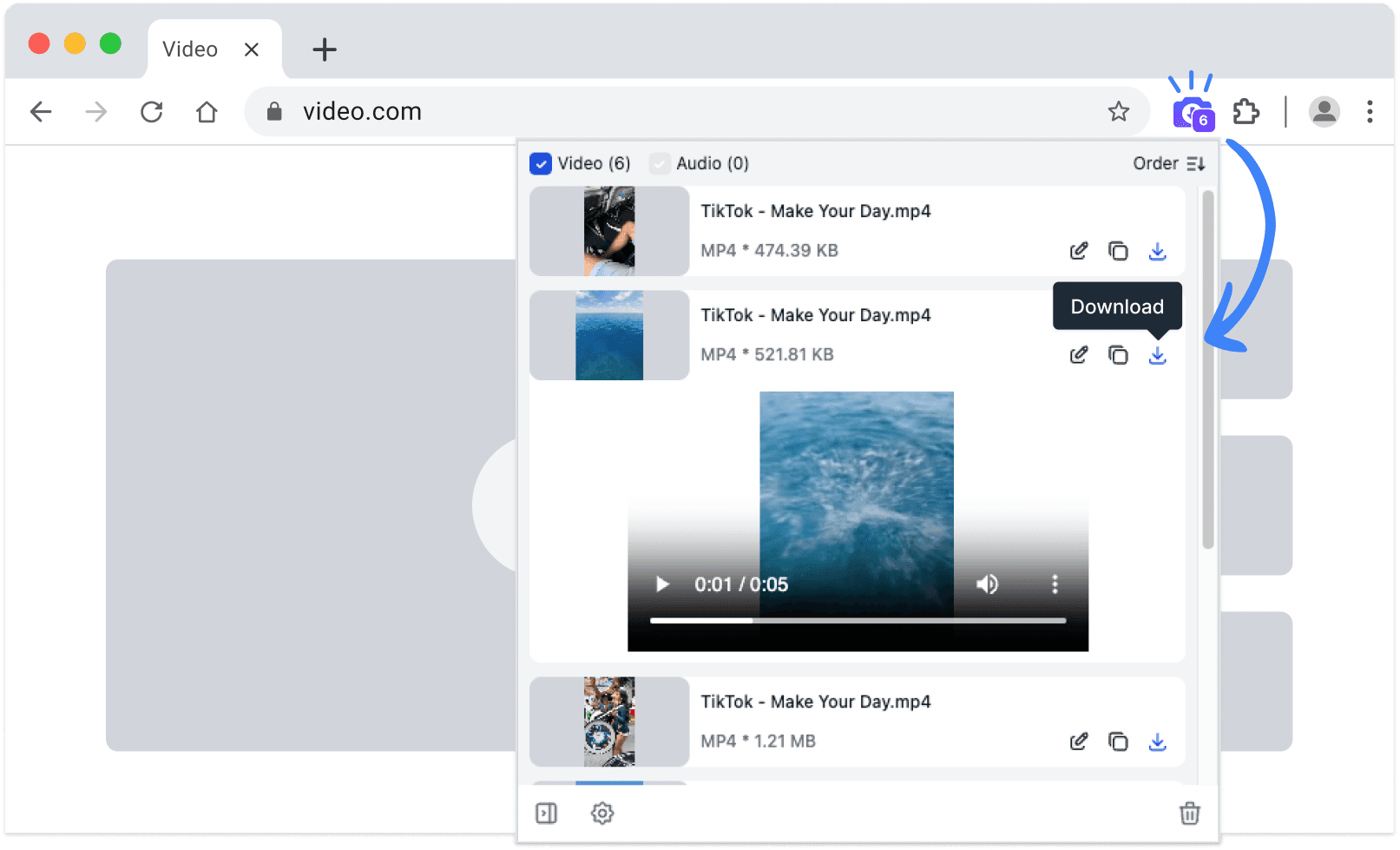
SnapAny 확장 프로그램
복사/붙여넣기 불필요 — SnapAny 확장 프로그램은 모든 웹페이지의 동영상, 라이브, 오디오를 자동 감지합니다. 빠르고 안정적인 원클릭 저장. 더 알아보기
기타 브라우저:
.zip 설치 패키지
관련 도구
- Save any WeChat Channels video — just paste the linkDownload videos without a watermark, right in the browser on your phone or computer. No software, no account
- Weibo video download and full-size photo saverPaste one link and take the whole post — no watermarks, and photos at their original resolution rather than compressed thumbnails
자주 묻는 질문
Yes. Press Select all, then Download selected, and they are saved one after another. You can also tick just the ones you want.