NewНовая версия десктопного приложения — больше платформ, больше возможностей. Попробуйте сейчас.
Doubao video download — paste a link, keep the original
Take the prompt with you too. It runs in your browser; there is nothing to install
Links shared from the Doubao app and the web version both work
How to download a Doubao video in three steps
- 1
Copy the share link
Open the generated video in Doubao, tap Share, then copy the link.
- 2
Paste it here
Drop the link into the box above and press the button.
- 3
Save the video and the prompt
Click Download for the watermark-free file. The prompt sits on the result card — one click copies it.
Why use SnapAny for Doubao
The original file
What you download is what was generated, with no watermark added.
One-click prompt copy
The prompt behind the video comes back with it. The video is a one-off; the prompt is the part you will reuse.
No extension needed
Most guides tell you to install a userscript or a browser add-on. Here you paste a link into a web page.
Phone and computer alike
The same page works in a mobile browser and a desktop browser.
No account
No signup, no email. Paste and go.
Free to use
There is a daily limit on how many links you can process, which is plenty for normal use.
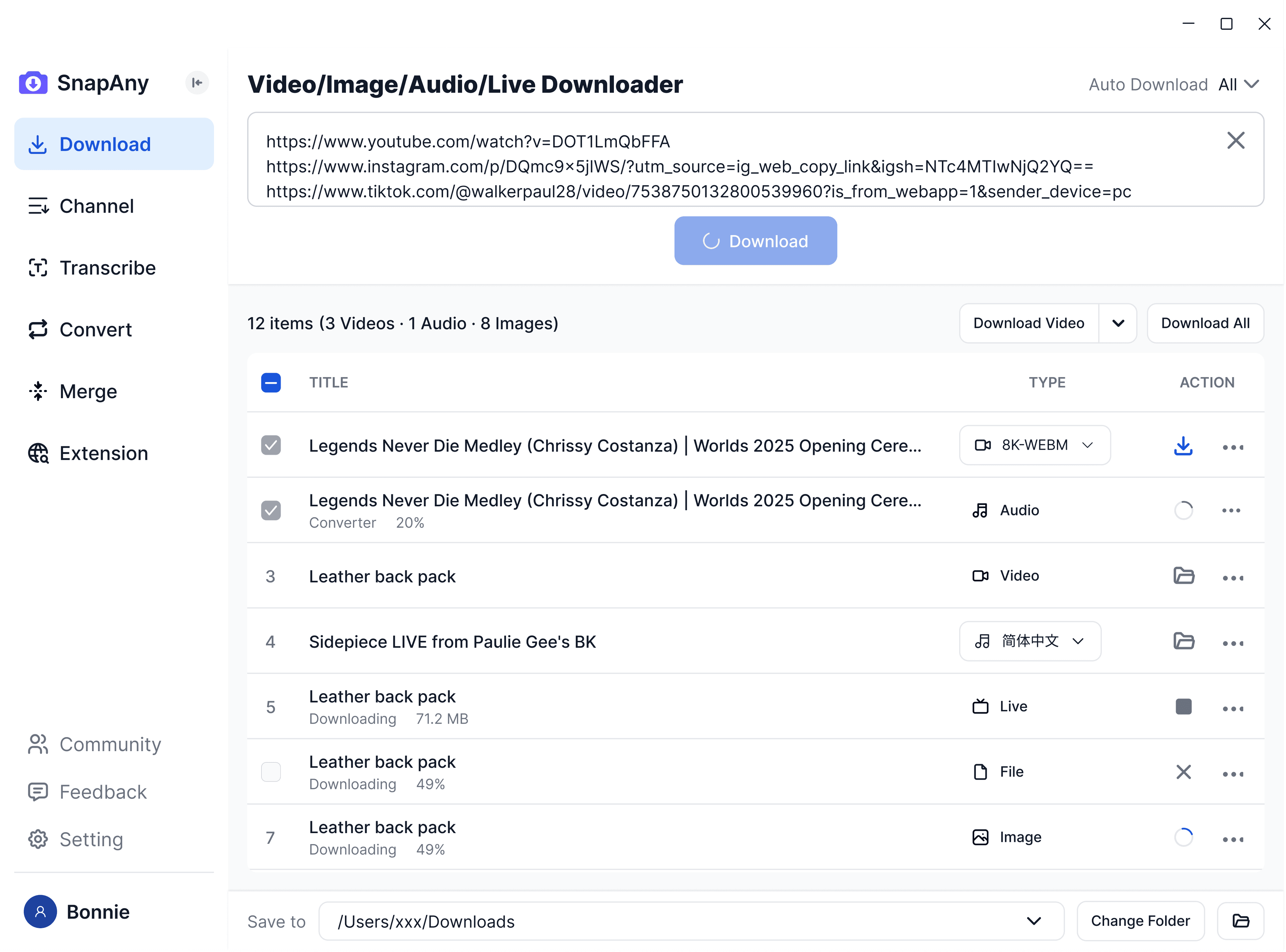
Десктопное приложение SnapAny
Поддерживает пакетные загрузки с большего числа платформ, извлечение субтитров и аудио, анализ в браузере, объединение медиа и конвертацию форматов — полное решение для всех задач загрузки. Узнать больше
Похожие инструменты
Часто задаваемые вопросы
No. We fetch the original file, so nothing is stamped over the picture.