Weibo video download and full-size photo saver
Paste one link and take the whole post — no watermarks, and photos at their original resolution rather than compressed thumbnails
In the Weibo app tap Share then Copy Link; on the web, the address bar works too
How to save Weibo videos and photos in three steps
- 1
Copy the link
In the Weibo app tap Share and choose Copy Link, or copy the address bar on the web.
- 2
Paste it here
Drop the link into the box above and press the button. Video and photos come back together.
- 3
Pick what you want
Tick the photos you want and download them in one go, or select all. Videos have their own download button.
Why use SnapAny for Weibo
Photos at full resolution
Right-clicking on Weibo often saves a compressed thumbnail. Here every photo shows its real pixel size, and that is exactly what you get.
Save the whole set at once
Tick the photos you want and grab them in a single action instead of opening each one.
No watermark on videos or photos
You get the original files. The photos Weibo shows on its own pages carry the poster's watermark; the copy you save here does not, and videos come without Weibo branding.
Full size on a phone too
Press and hold any photo and save — you get the full original. The grid shows the same file as the enlarged view, only cropped to a square, so there is no need to open it first.
No login
No Weibo account, no extension, no software. Open the page and paste a link.
Nothing is kept
We do not store the links you paste or the media behind them.
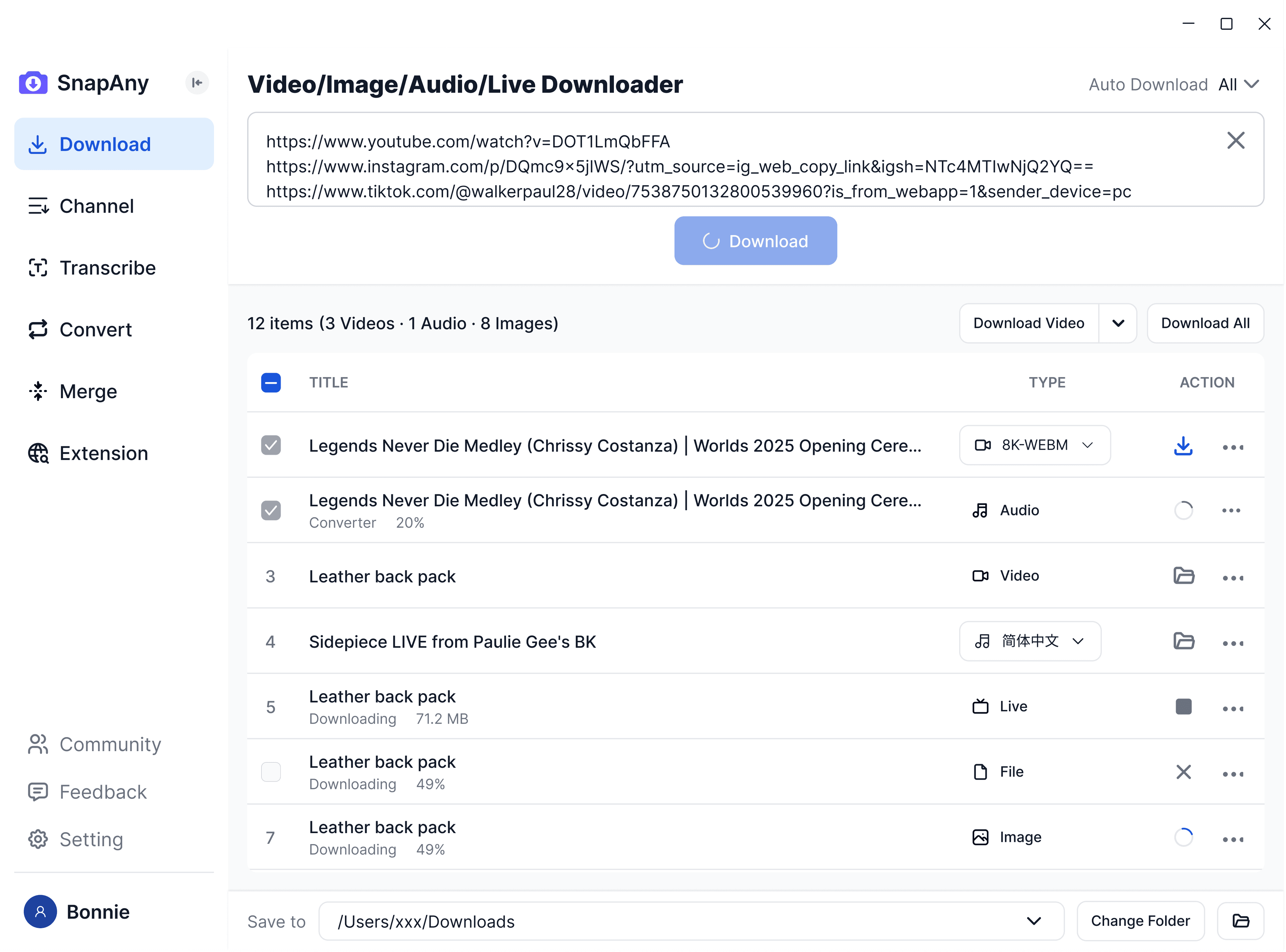
Десктопное приложение SnapAny
Поддерживает пакетные загрузки с большего числа платформ, извлечение субтитров и аудио, анализ в браузере, объединение медиа и конвертацию форматов — полное решение для всех задач загрузки. Узнать больше
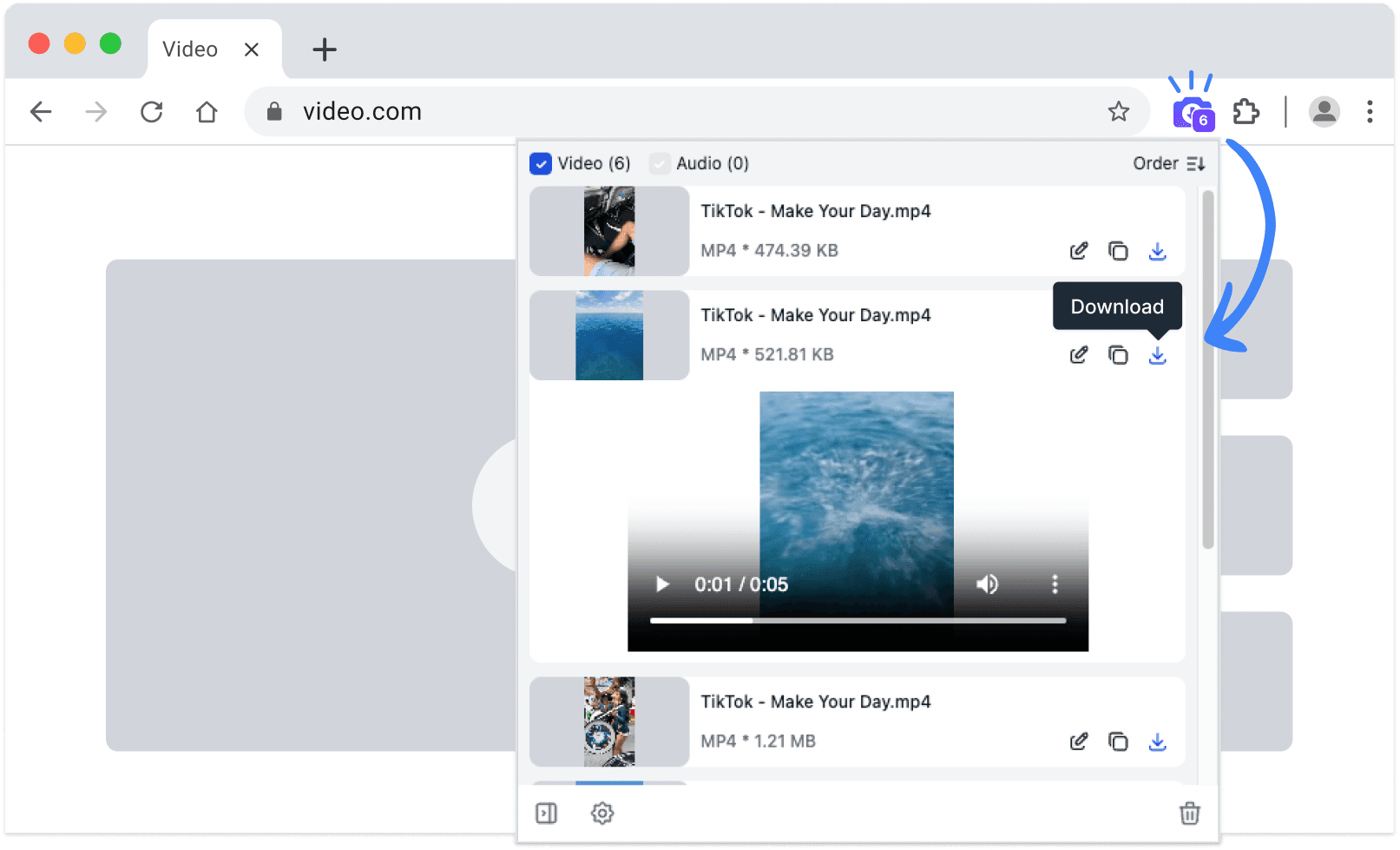
Расширение SnapAny
Копирование ссылок не требуется — расширение SnapAny автоматически обнаруживает видео, трансляции и аудио на любой странице. Сохраняйте в один клик с быстрой и стабильной загрузкой. Узнать больше
Похожие инструменты
- Pull the videos and images out of a WeChat articlePaste the article link — images can be selected and saved in bulk, videos are listed by quality with their file size
- Save any WeChat Channels video — just paste the linkDownload videos without a watermark, right in the browser on your phone or computer. No software, no account