VK (formerly VKontakte) is the largest social network in Russia — part feed, part forum, part video site. A lot of what lives there is not posted anywhere else: concert recordings, old films, obscure music, tutorials in a dozen languages.
The catch is that neither the VK website nor the mobile app gives you a save button. To keep a video, you have to go around it.
That part is easy: SnapAny VK Video Downloader only needs the video's link. It works on both desktop and phone, it is free, and you do not need an account.
On a computer
- Open VK in your browser and find the video you want.
- Right-click the video and choose "Copy video link." If that option is not in the menu, just copy the URL out of the address bar — it works the same.
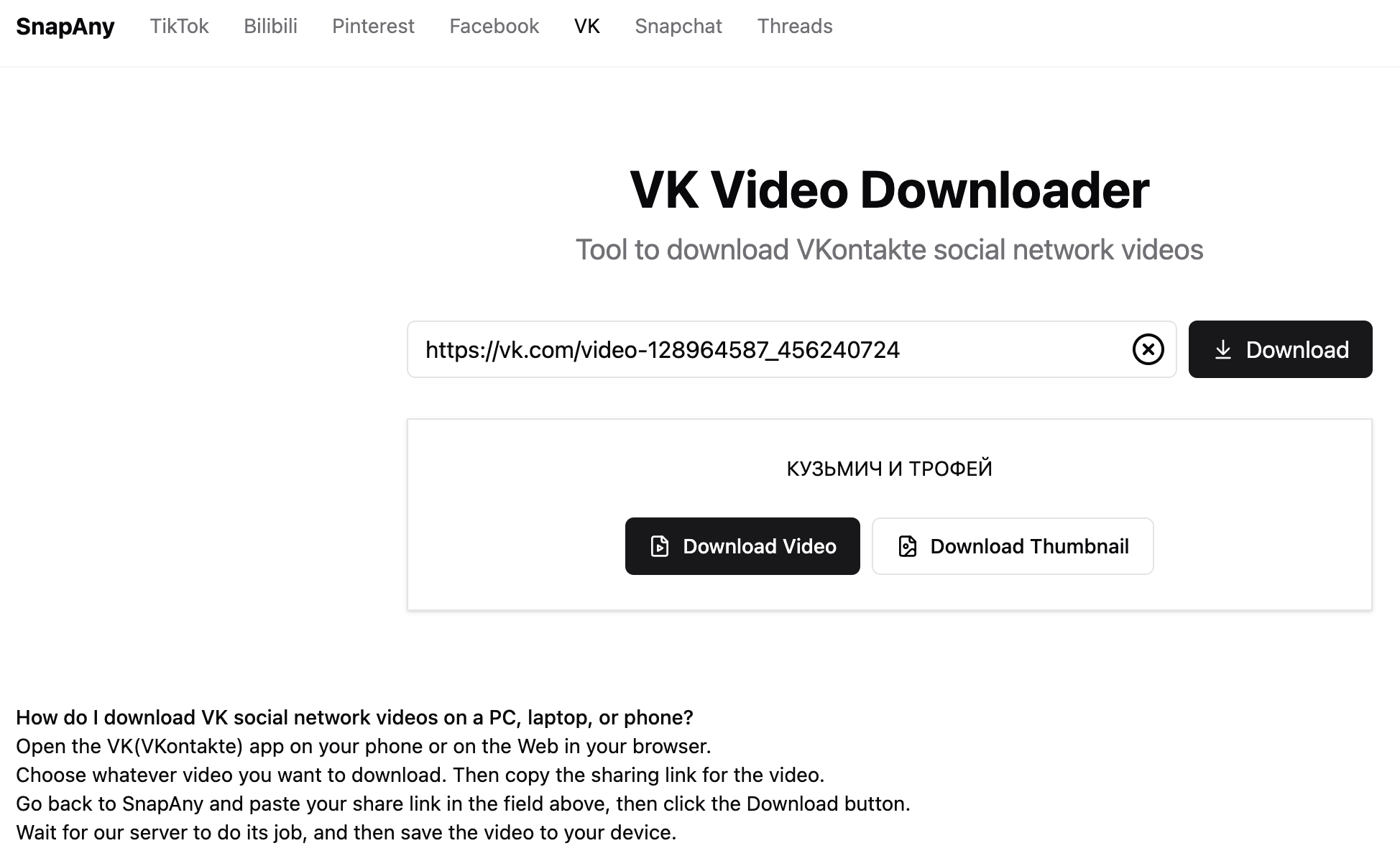
- Open SnapAny VK Video Downloader, paste the link, and hit download.
- You will get a list of every quality available for that video — usually 480p and 720p, plus 1080p Full HD when the source has it. Pick one and download.
On a phone
There is no right-click on a phone, so you get the link from the share menu instead:
- Open the VK app and find the video. Tap the share button (the arrow icon).
- Choose "Copy link" from the menu that comes up.
- In your phone's browser, open SnapAny and paste the link in.
- Pick a quality, and the video saves to your downloads. On iPhone, find it under Safari's Downloads, then save it to Photos from there.
Nothing to install — your phone's built-in browser is enough.
If something does not work
Nothing happens when you paste the link. Check that the video is public. Plenty of VK videos are limited to friends or to members of a group, and those are not reachable without being logged in as someone who has access.
You have a lot of videos to save. For anything more than the occasional download, the SnapAny desktop app queues up batches instead of doing them one at a time.
You only want the audio. The desktop app can pull the audio track out on its own — handy for live sets and podcast-style uploads.
In short
Downloading from VK comes down to one thing: get the link, hand it to SnapAny. Right-click on a computer, share menu on a phone, and everything after that is identical.
A few seconds and it is on your device — no need to wonder whether it will still be up next month.