New新しいデスクトップアプリがリリース — より多くのプラットフォーム、より強力な機能。今すぐお試しください。
Pull the videos and images out of a WeChat article
Paste the article link — images can be selected and saved in bulk, videos are listed by quality with their file size
Tap the ··· in the top right of the article and choose Copy Link
How to extract media from a WeChat article in three steps
- 1
Copy the article link
Tap the ··· in the top right and choose Copy Link, or copy the address bar on a computer.
- 2
Paste it here
Drop the link into the box above and press the button. Videos and images come back together.
- 3
Take what you need
Videos are listed by quality with their size — pick one. Tick the images you want and save them in one go.
Why use SnapAny for WeChat articles
Bulk image saving
An article can carry dozens of images. Tick the ones you want and save them together instead of one at a time.
File sizes up front
Each quality shows how large the file is, so you know what you are about to spend before you tap.
No extension needed
Open the page, paste a link. Nothing to install, no account.
Phone and computer alike
The same page works in a mobile browser and a desktop browser.
Nothing is kept
We do not store the article links you paste or the media behind them.
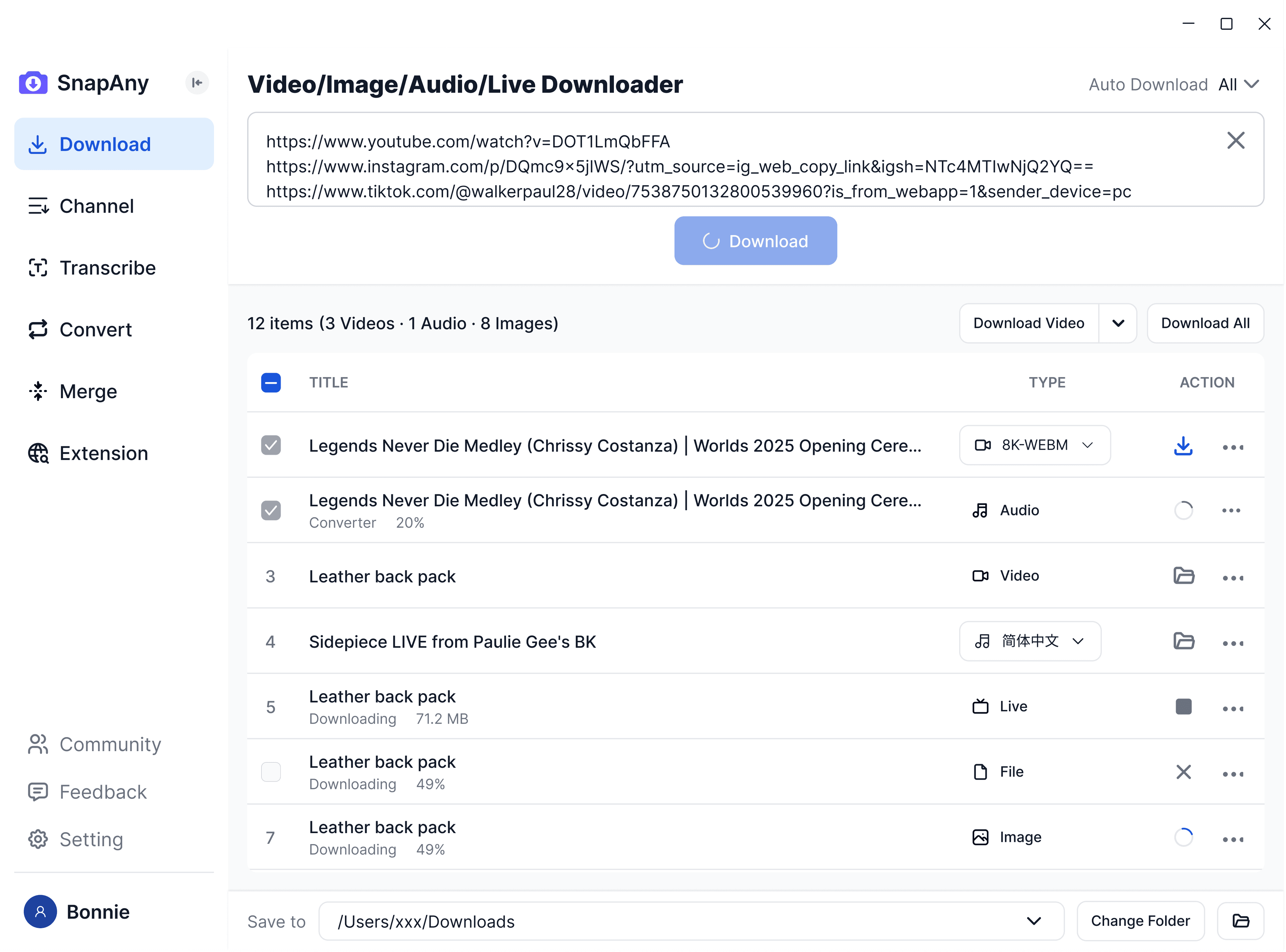
SnapAny デスクトップアプリ
より多くのプラットフォームからのバッチダウンロード、字幕とオーディオの抽出、ブラウザスニッフィング、メディアマージ、フォーマット変換をサポート — あなたのすべてのダウンロードニーズに対応する完全なソリューション。 詳しく見る
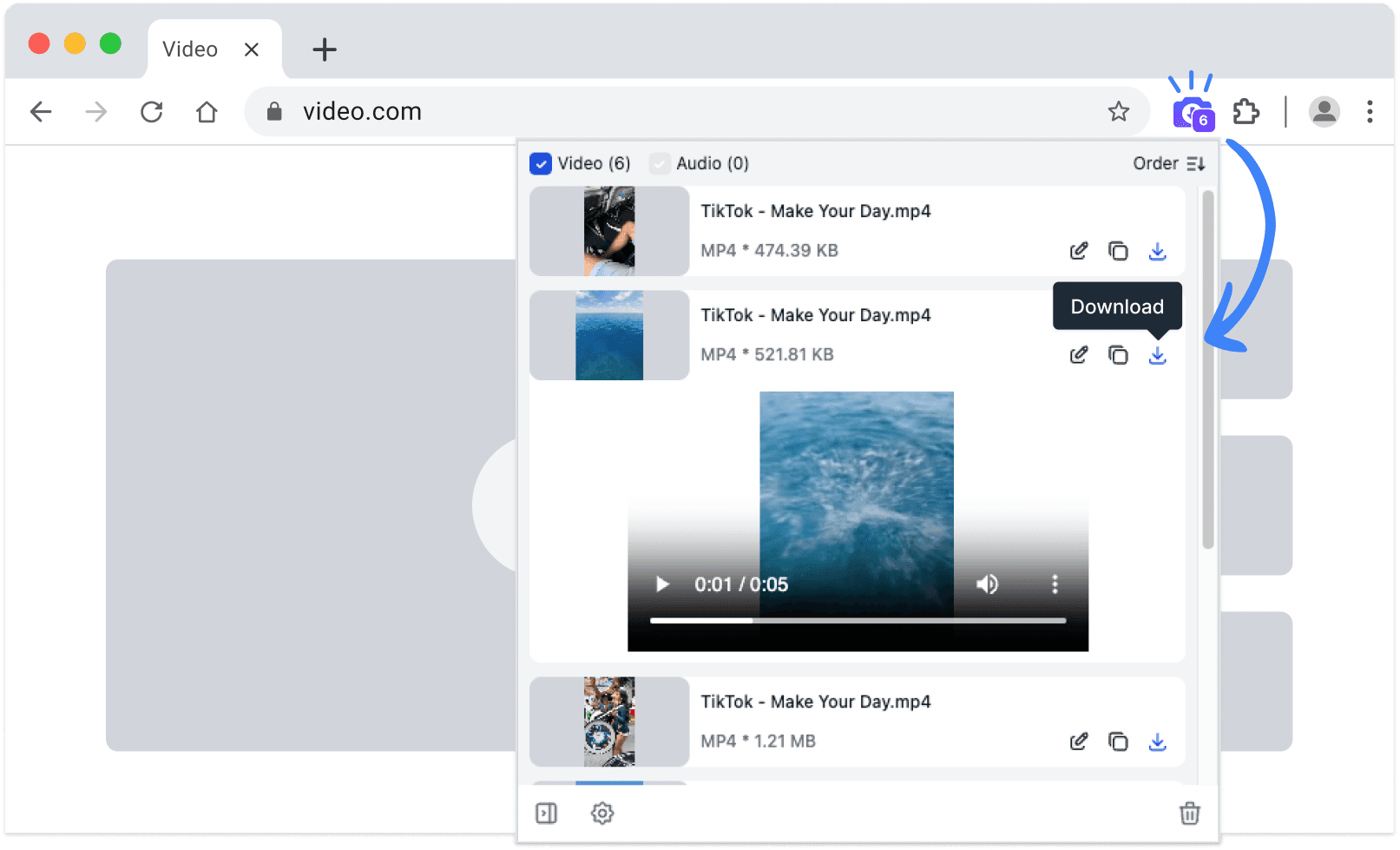
SnapAny 拡張機能
コピー&ペーストは不要 — SnapAny 拡張機能は任意のウェブページ上の動画、ライブ配信、オーディオを自動検出します。ワンクリックで高速かつ安定したダウンロードを実現。 詳しく見る
その他のブラウザ:
.zipインストールパッケージ
関連ツール
- Save any WeChat Channels video — just paste the linkDownload videos without a watermark, right in the browser on your phone or computer. No software, no account
- Weibo video download and full-size photo saverPaste one link and take the whole post — no watermarks, and photos at their original resolution rather than compressed thumbnails
よくある質問
Yes. Press Select all, then Download selected, and they are saved one after another. You can also tick just the ones you want.