How to download bilibili video?
- 1
Copy the video link
Open the video in the Bilibili app and tap Share → Copy link; on the web, just copy the address bar.
- 2
Paste and extract
Come back to SnapAny, paste the link into the box above and click the button. It only takes a few seconds.
- 3
Save the video
Once extracted, the HD video and its cover show up — click Download to save them to your device.
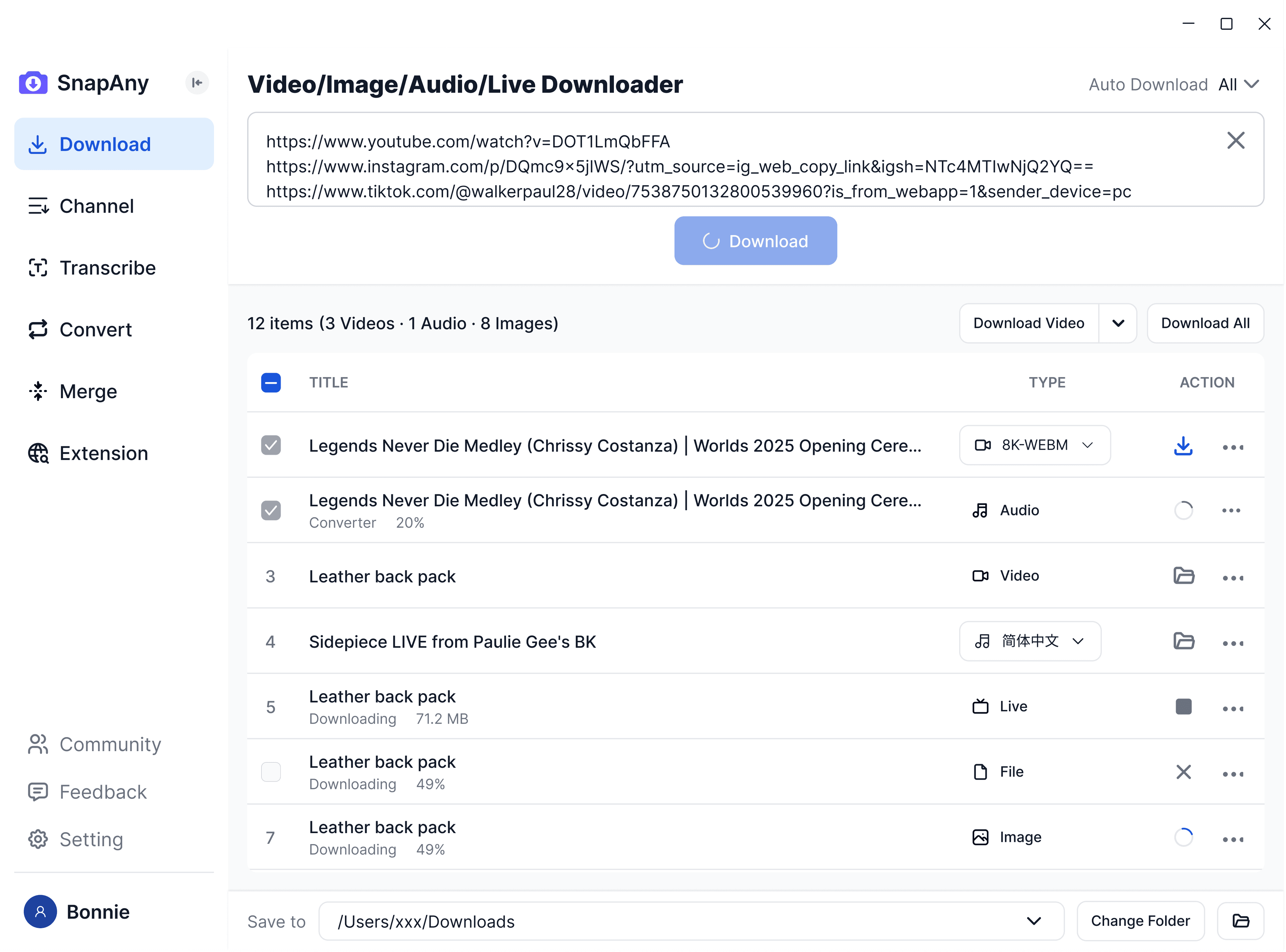
SnapAny Desktop App
Supports batch downloads from more platforms, subtitle and audio extraction, browser sniffing, media merging, and format conversion — a complete solution for all your download needs. Explore More
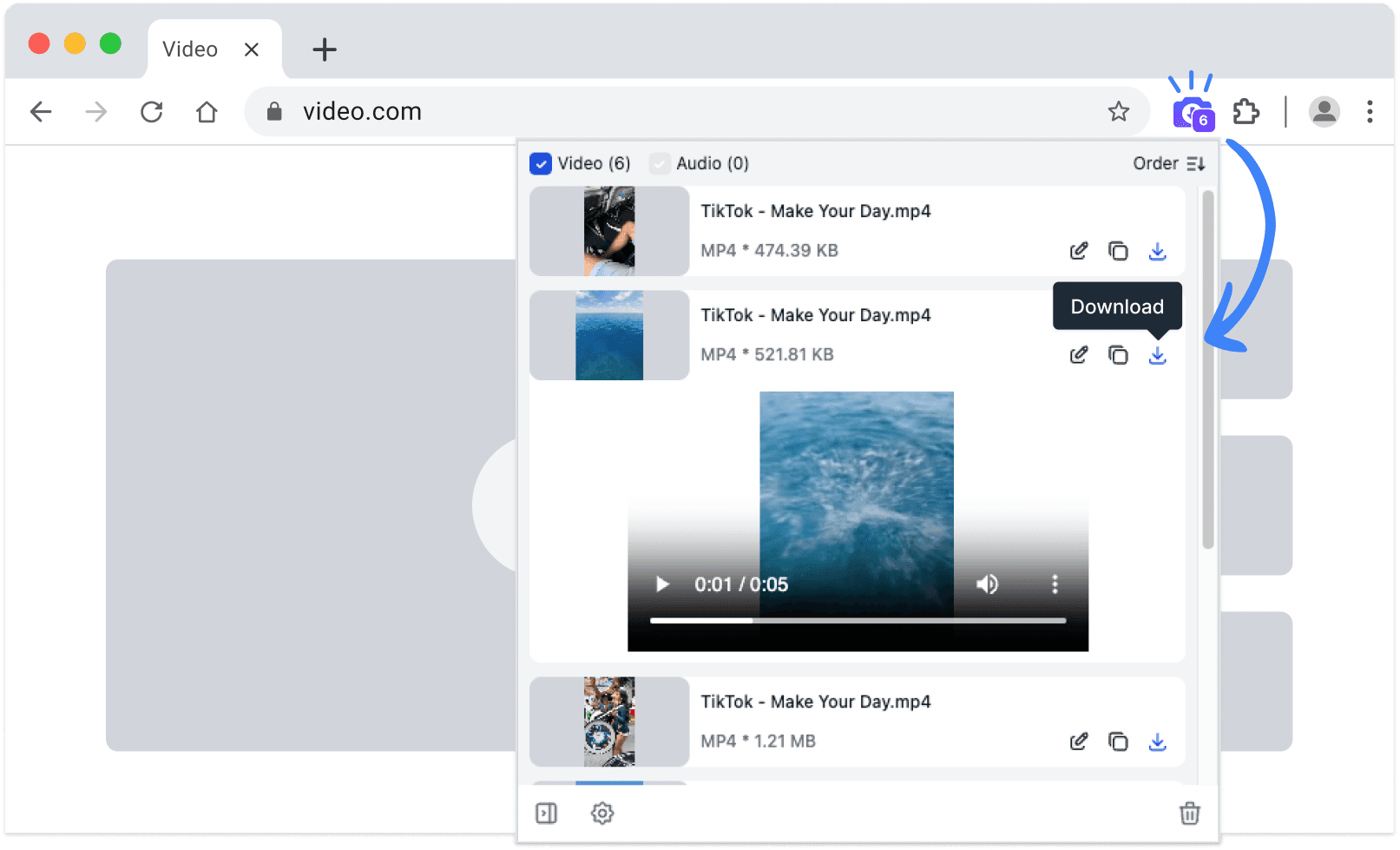
SnapAny Extension
No copy-paste needed — SnapAny extension auto-detects videos, lives and audios on any webpage. Save in one click with fast, stable downloads. Explore More
Other browsers:
.zip installation package
Related tools
Frequently Asked Questions
Yes — bilibili.tv (Bstation) is Bilibili's international version for Southeast Asia, and SnapAny has a dedicated Bilibili.tv video downloader built for it. Open it from the related tools at the bottom of this page, paste your bilibili.tv or Bstation link, and save the video as MP4.