Bilibili.tv (Bstation) Video Downloader
Save videos from bilibili.tv and Bstation as MP4, right in your browser
How to download bilibili.tv (Bstation) videos?
- 1
Copy the link
Open the video in the Bstation app or on bilibili.tv, tap Share and copy the link — or just copy the address bar in your browser.
- 2
Paste and extract
Come back to SnapAny, paste the link into the box above and click the button. It takes a few seconds.
- 3
Pick a quality and save
Every quality is listed with its file size, so you can see what you are getting before you start. The cover image is offered next to it.
Why download bilibili.tv videos with SnapAny
Works with bilibili.tv and Bstation links
Bstation is the same platform as bilibili.tv, so links copied from either the app or the website extract the same way.
Every quality that video offers
All the quality options the platform serves for that video are listed, so you can pick the one you want instead of taking whatever you are given.
File size shown up front
Each quality shows how large the file is before you start, which matters when you are on mobile data or short on space.
Cover image included
The thumbnail is offered next to the video, ready to save in one click.
Nothing to install
No APK, no extension, no account. The same page works on Windows, macOS, Android and iPhone.
Free to use
Paste a link and download. No signup for bilibili.tv links.
SnapAny Desktop App
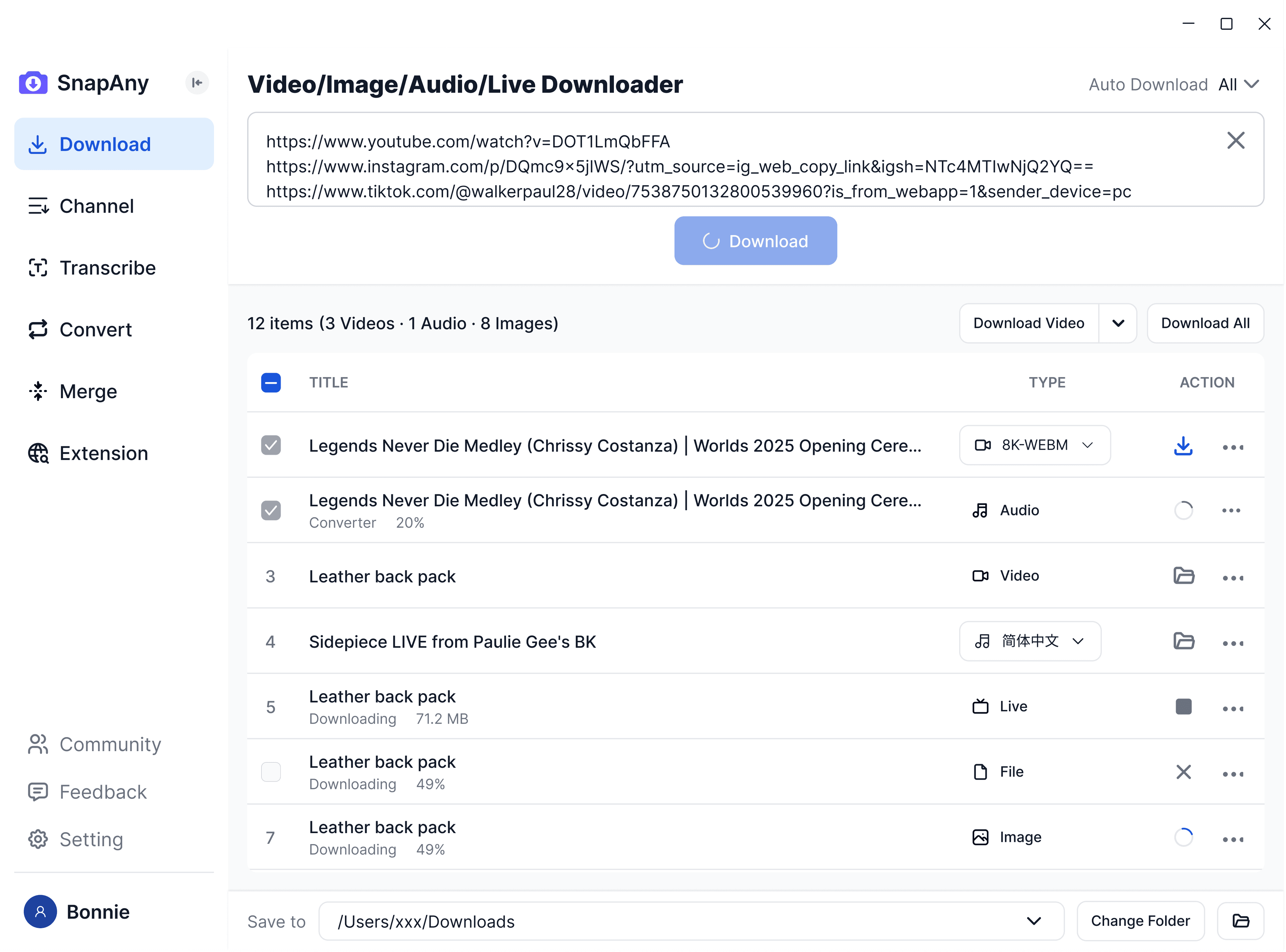
Supports batch downloads from more platforms, subtitle and audio extraction, browser sniffing, media merging, and format conversion — a complete solution for all your download needs. Explore More
SnapAny Extension
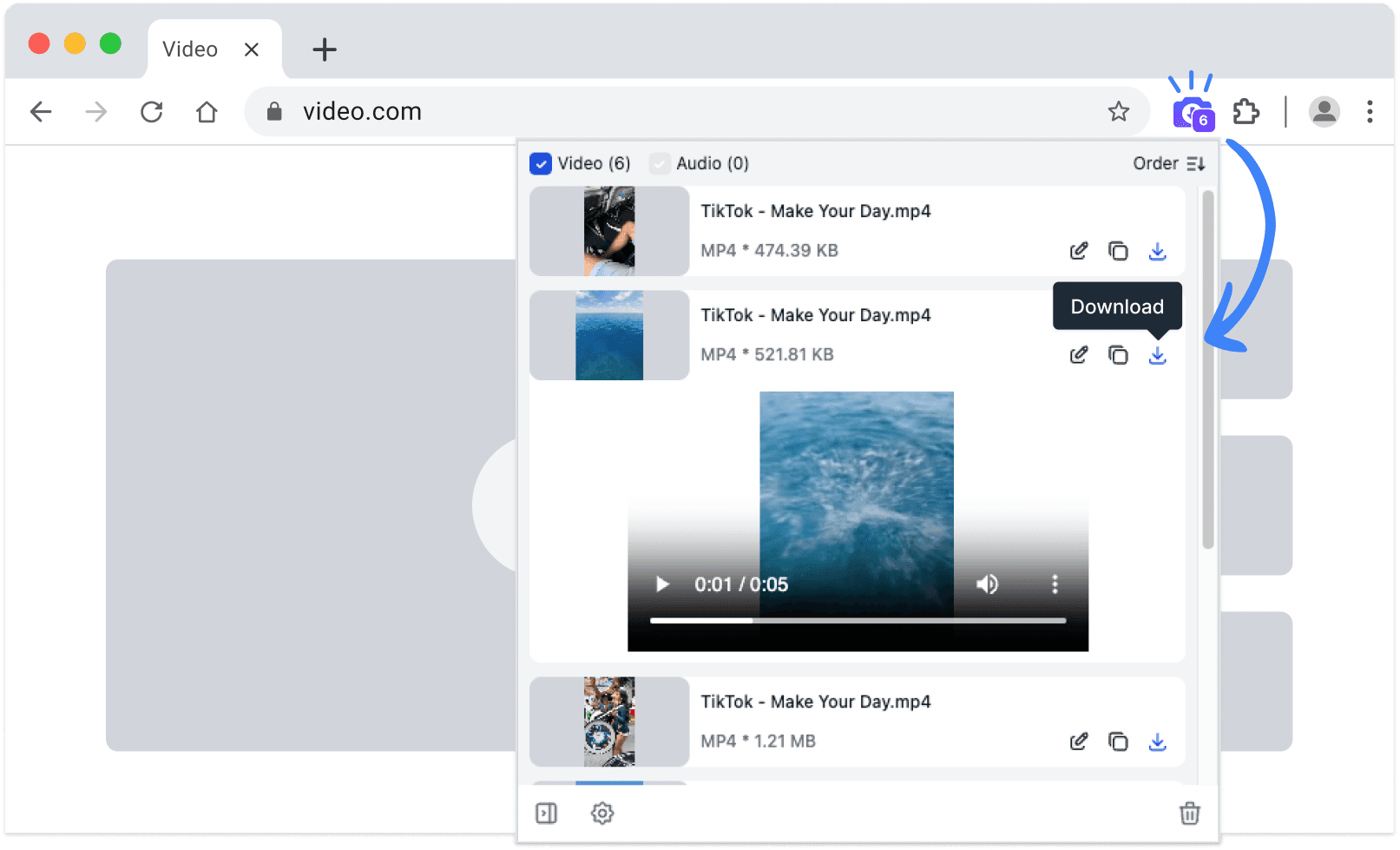
No copy-paste needed — SnapAny extension auto-detects videos, lives and audios on any webpage. Save in one click with fast, stable downloads. Explore More