NewNouvelle application de bureau disponible — plus de plateformes, plus de puissance. Essayez-la maintenant.
Doubao video download — paste a link, keep the original
Take the prompt with you too. It runs in your browser; there is nothing to install
Links shared from the Doubao app and the web version both work
How to download a Doubao video in three steps
- 1
Copy the share link
Open the generated video in Doubao, tap Share, then copy the link.
- 2
Paste it here
Drop the link into the box above and press the button.
- 3
Save the video and the prompt
Click Download for the watermark-free file. The prompt sits on the result card — one click copies it.
Why use SnapAny for Doubao
The original file
What you download is what was generated, with no watermark added.
One-click prompt copy
The prompt behind the video comes back with it. The video is a one-off; the prompt is the part you will reuse.
No extension needed
Most guides tell you to install a userscript or a browser add-on. Here you paste a link into a web page.
Phone and computer alike
The same page works in a mobile browser and a desktop browser.
No account
No signup, no email. Paste and go.
Free to use
There is a daily limit on how many links you can process, which is plenty for normal use.
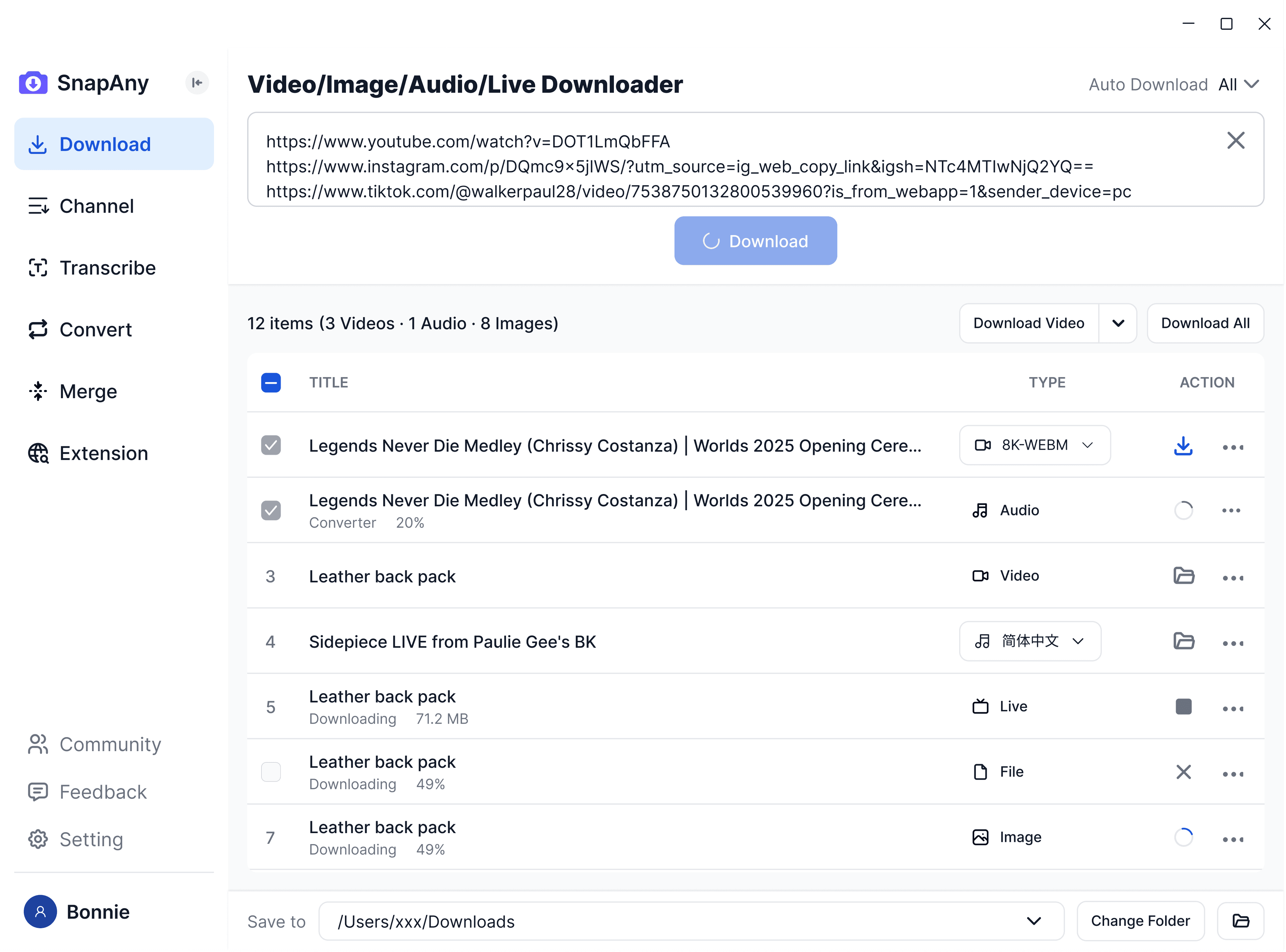
Application de bureau SnapAny
Prend en charge les téléchargements par lot depuis davantage de plateformes, l'extraction des sous-titres et de l'audio, l'analyse du navigateur, la fusion des médias et la conversion de format — une solution complète pour tous vos besoins de téléchargement. Explorer davantage
Outils associés
Questions fréquentes
No. We fetch the original file, so nothing is stamped over the picture.