NewNew desktop app out now — more platforms, more power. Try it now.
VK Video Downloader
Paste a link and save it in HD in seconds — free, online, and no VKontakte login required
How do I download VK social network videos on a PC, laptop, or phone?
- 1
Copy the video link
Open the video in the VK app and tap Share → Copy link below the video; on the web, just copy the address bar.
- 2
Paste and extract
Come back to SnapAny, paste the link into the box above and click the button. It only takes a few seconds.
- 3
Save the video
Once extracted, the HD video shows up — click Download to save it to your device.
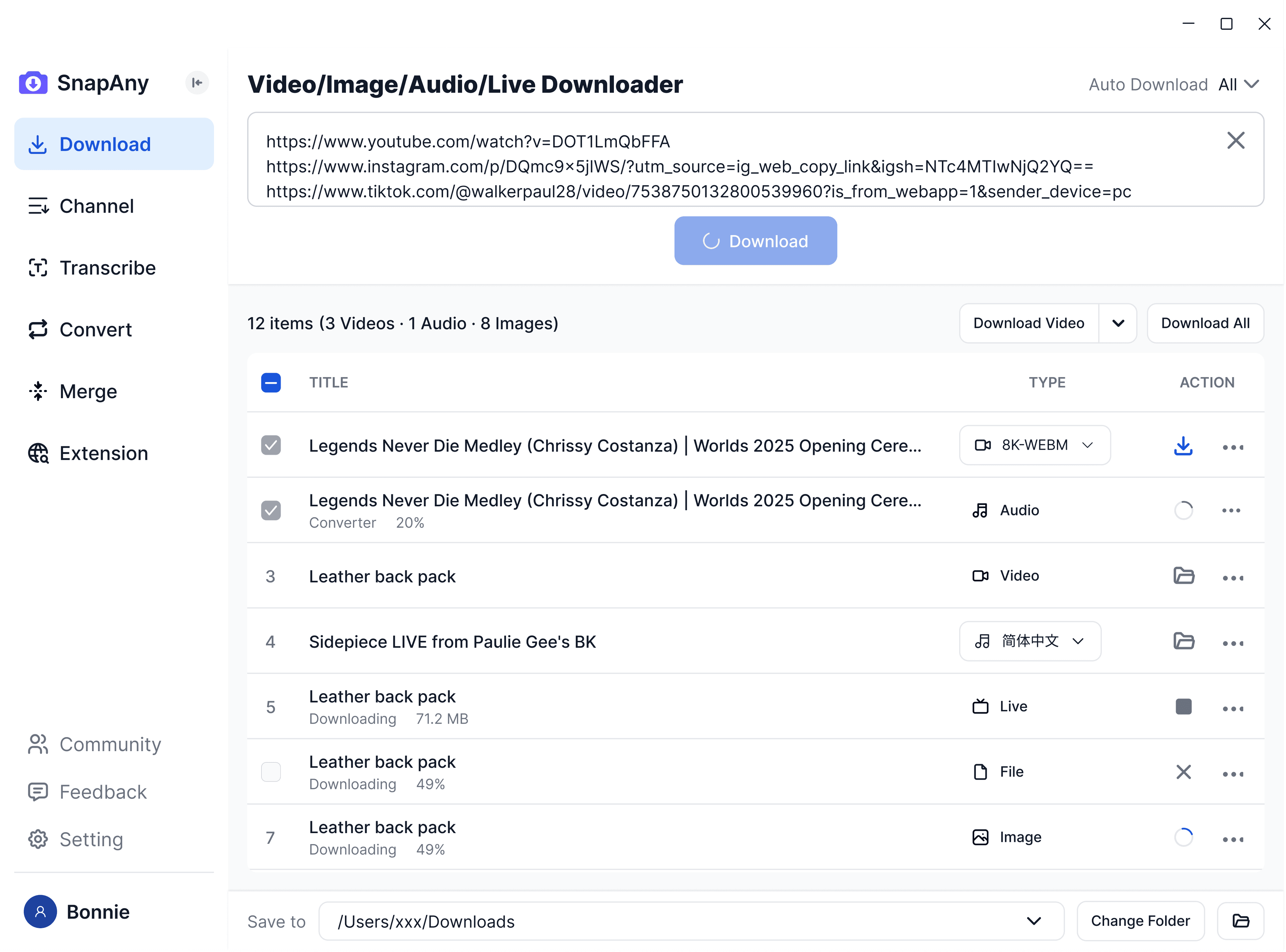
SnapAny Desktop App
Supports batch downloads from more platforms, subtitle and audio extraction, browser sniffing, media merging, and format conversion — a complete solution for all your download needs. Explore More
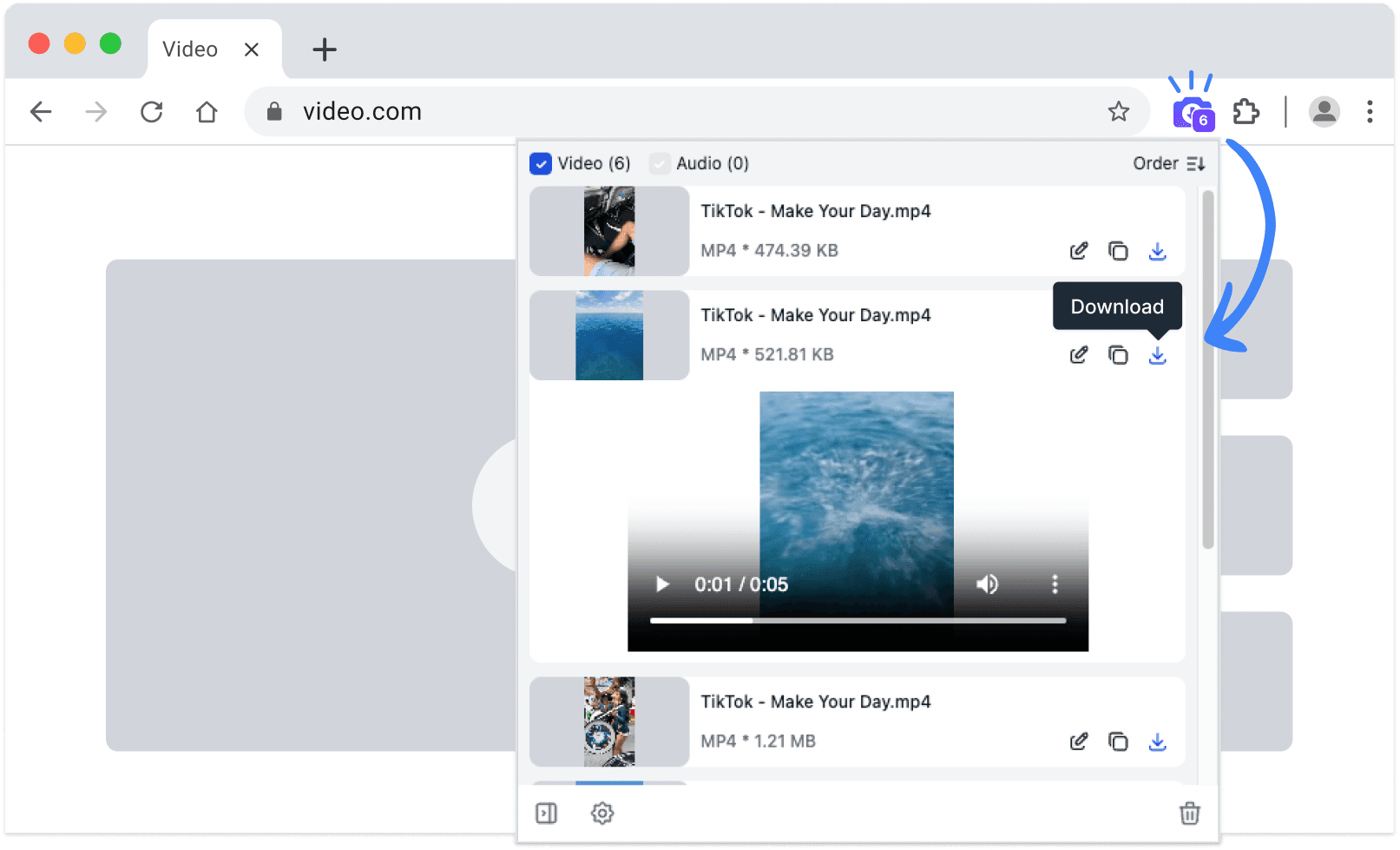
SnapAny Extension
No copy-paste needed — SnapAny extension auto-detects videos, lives and audios on any webpage. Save in one click with fast, stable downloads. Explore More
Other browsers:
.zip installation package
Frequently Asked Questions
Yes. VK moved its videos to vkvideo.ru, and SnapAny recognizes both formats — mobile m.vk.com links work too. Just paste whichever link you have.