NewNew desktop app out now — more platforms, more power. Try it now.
YouTube Video Downloader
Supports up to 8K resolution videos and multi-language audio tracks
How to Download and Save YouTube HD Videos?
- 1
Copy the video link
Open the video in the YouTube app and tap Share → Copy link below the player; on the web, just copy the address bar.
- 2
Paste and extract
Come back to SnapAny, paste the link into the box above and click the button. It only takes a few seconds.
- 3
Save the video
Once extracted, pick the resolution you want and click Download to save the HD video to your device.
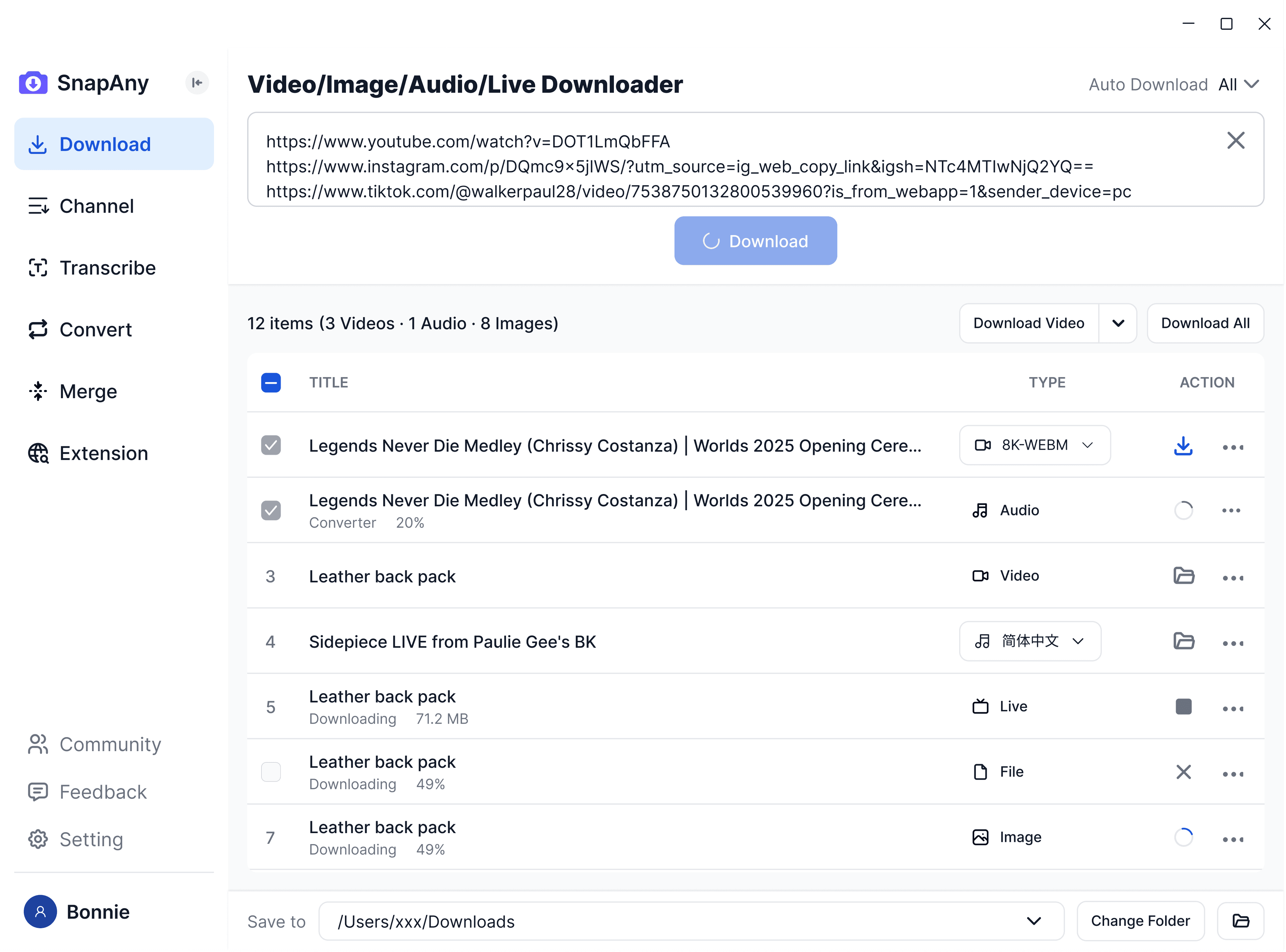
SnapAny Desktop App
Supports batch downloads from more platforms, subtitle and audio extraction, browser sniffing, media merging, and format conversion — a complete solution for all your download needs. Explore More
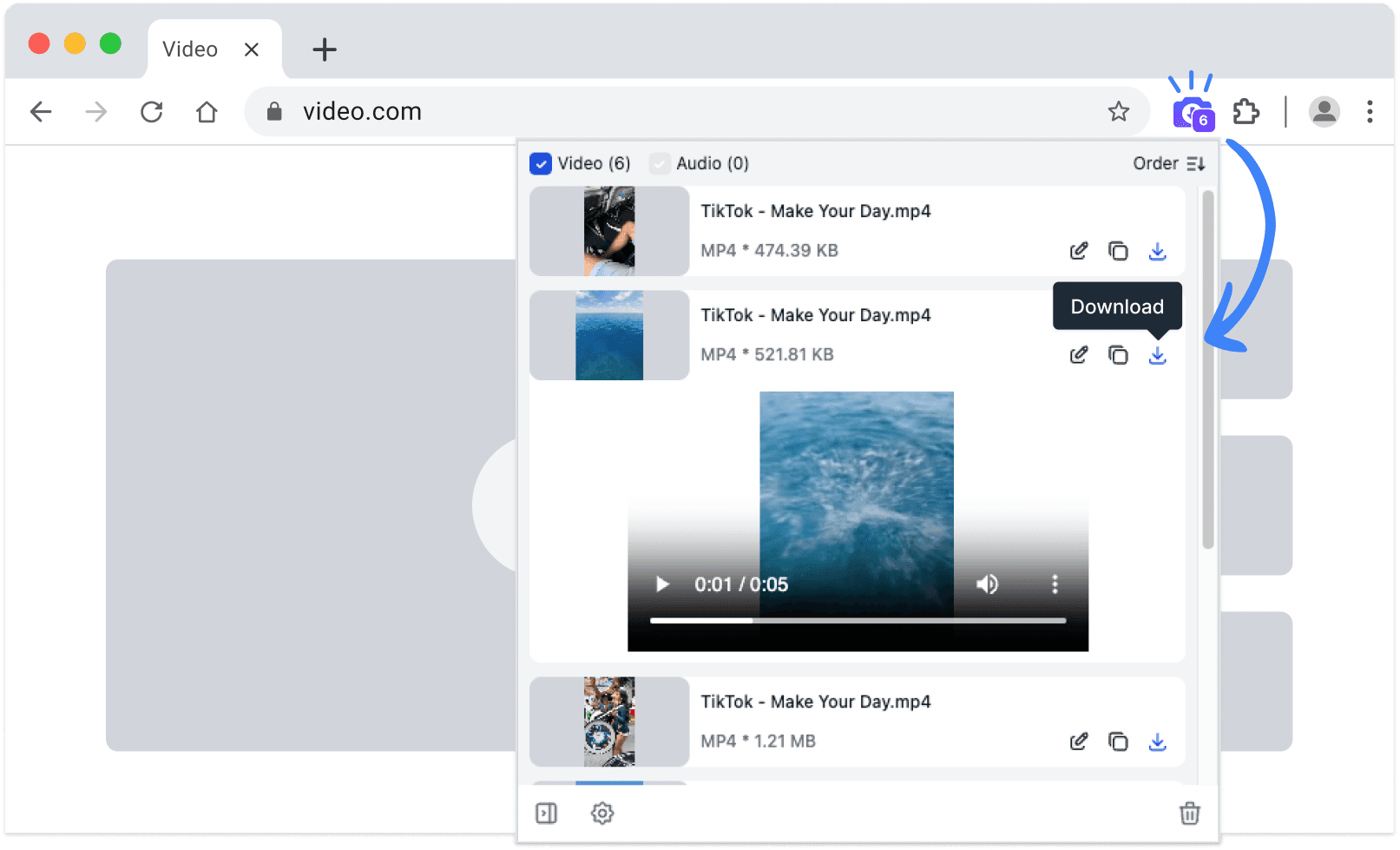
SnapAny Extension
No copy-paste needed — SnapAny extension auto-detects videos, lives and audios on any webpage. Save in one click with fast, stable downloads. Explore More
Other browsers:
.zip installation package
Frequently Asked Questions
Yes, up to 8K. After extraction you'll see every quality tier the video offers, such as 1080P, 4K and 8K — just pick the one you want. The tiers depend on the video itself; if the uploader only provided 1080P, higher options won't appear.