YouTube Shorts Downloader
Save any Short as a clean vertical MP4 — or keep only its sound. Right in your browser
How to download YouTube Shorts?
- 1
Copy the Shorts link
In the YouTube app, tap the arrow on the right of the Short and choose Copy link. On the web, copy the address bar while the Short is playing.
- 2
Paste and extract
Come back to SnapAny and paste the link into the box above. It takes a few seconds.
- 3
Save the video or the sound
Pick a quality to save the MP4, or use Download Audio to keep only the sound. The cover image is offered as well.
Why download Shorts with SnapAny
Vertical stays vertical
The Short is saved in its original 9:16 shape at its original size — nothing is cropped, letterboxed or re-encoded on the way.
Keep just the sound
Every Short also gives you an audio-only option, so you can save the track or voiceover behind it without the picture.
No watermark
What you save is the file YouTube itself serves, so nothing is stamped onto the picture — no logo, no username, no overlay.
Cover image included
The thumbnail is offered next to the video, ready to save in one click.
Made for the phone
Shorts are watched on a phone, so this page works on one — no app, no APK, no extension, no account. The same page also works on Windows and macOS.
Free to use
Paste a link and download. No signup for YouTube links.
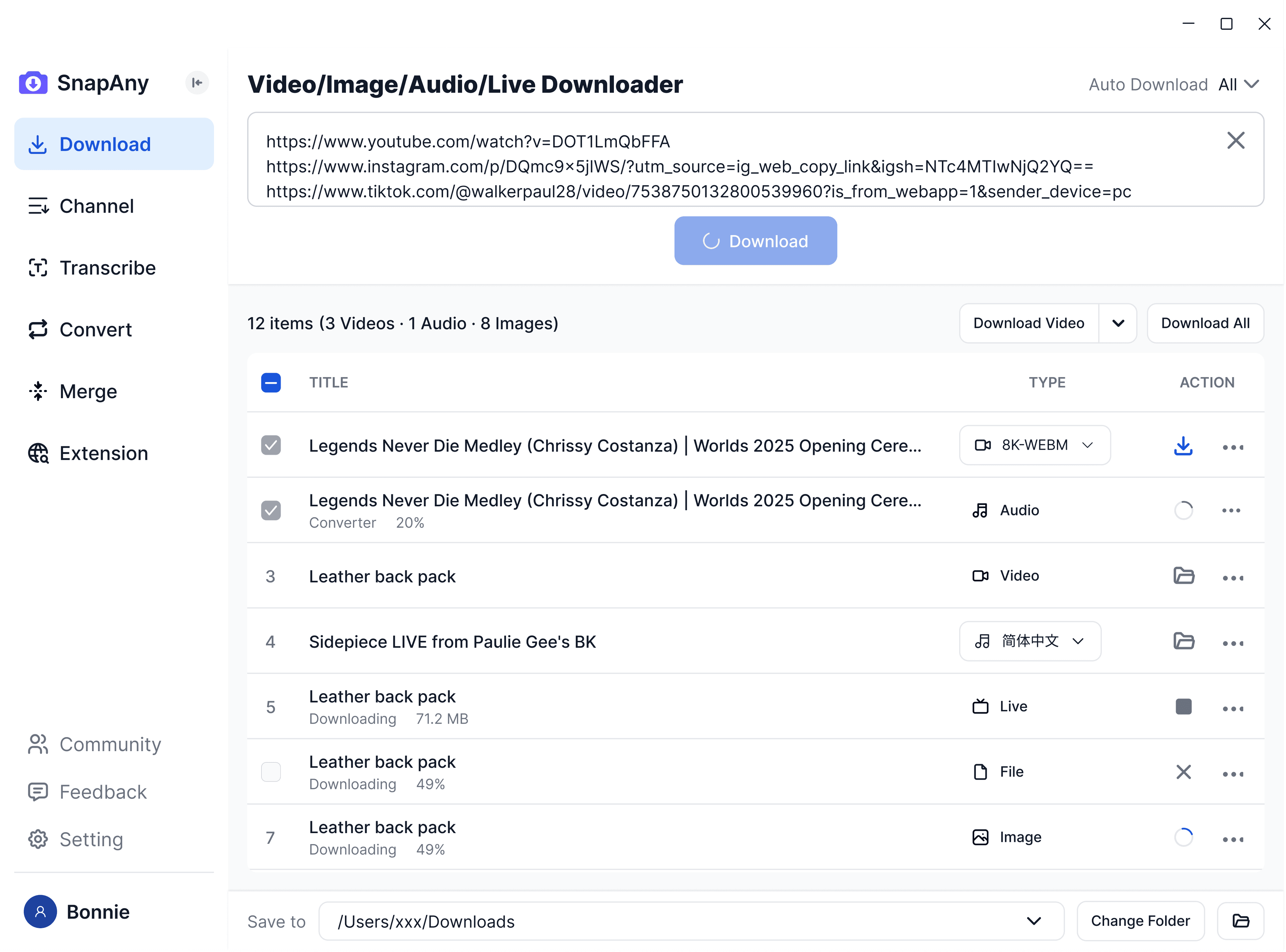
SnapAny Desktop App
Supports batch downloads from more platforms, subtitle and audio extraction, browser sniffing, media merging, and format conversion — a complete solution for all your download needs. Explore More
SnapAny Extension
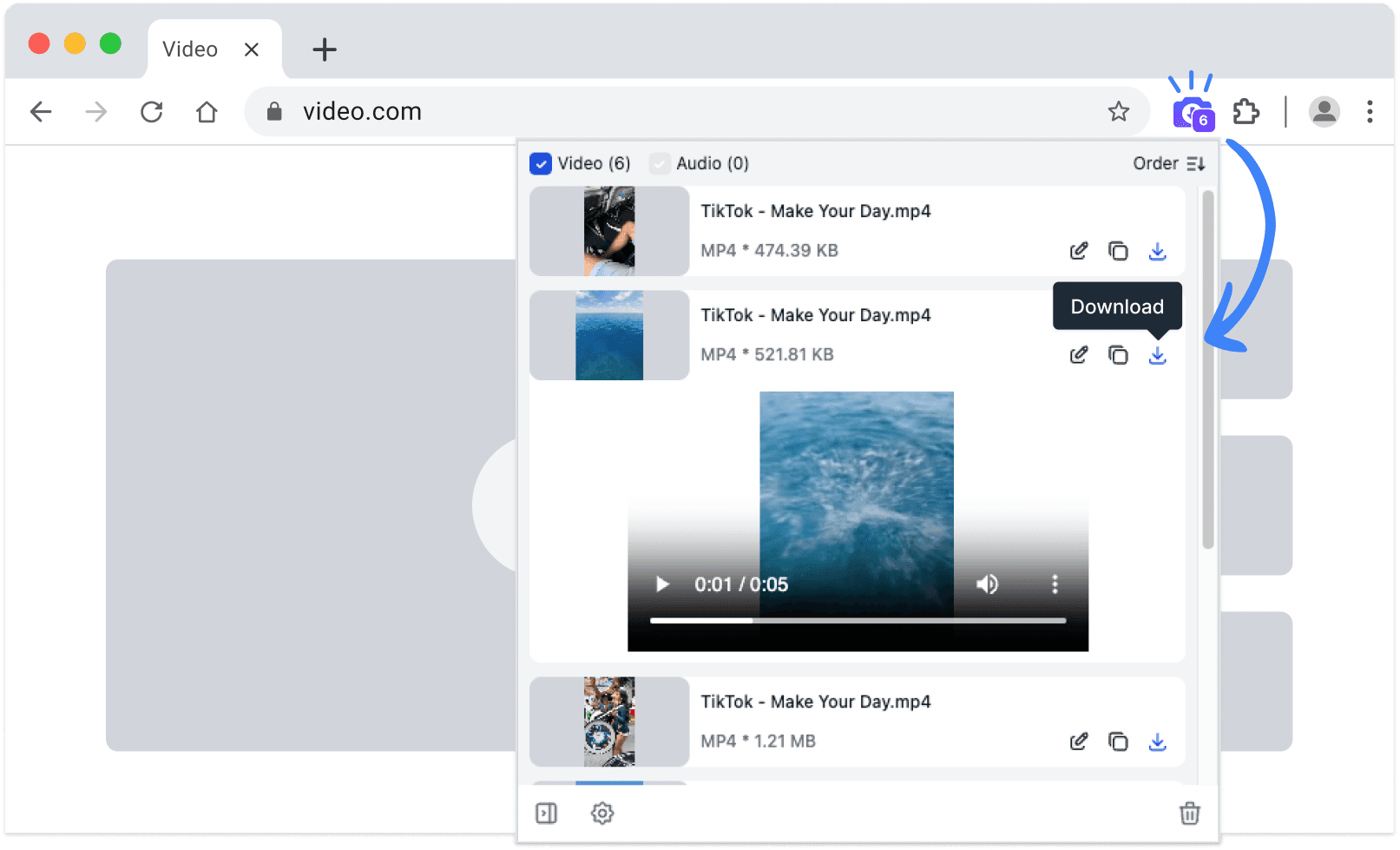
No copy-paste needed — SnapAny extension auto-detects videos, lives and audios on any webpage. Save in one click with fast, stable downloads. Explore More