NewNew desktop app out now — more platforms, more power. Try it now.
Doubao video download — paste a link, keep the original
Take the prompt with you too. It runs in your browser; there is nothing to install
Links shared from the Doubao app and the web version both work
How to download a Doubao video in three steps
- 1
Copy the share link
Open the generated video in Doubao, tap Share, then copy the link.
- 2
Paste it here
Drop the link into the box above and press the button.
- 3
Save the video and the prompt
Click Download for the watermark-free file. The prompt sits on the result card — one click copies it.
Why use SnapAny for Doubao
The original file
What you download is what was generated, with no watermark added.
One-click prompt copy
The prompt behind the video comes back with it. The video is a one-off; the prompt is the part you will reuse.
No extension needed
Most guides tell you to install a userscript or a browser add-on. Here you paste a link into a web page.
Phone and computer alike
The same page works in a mobile browser and a desktop browser.
No account
No signup, no email. Paste and go.
Free to use
There is a daily limit on how many links you can process, which is plenty for normal use.
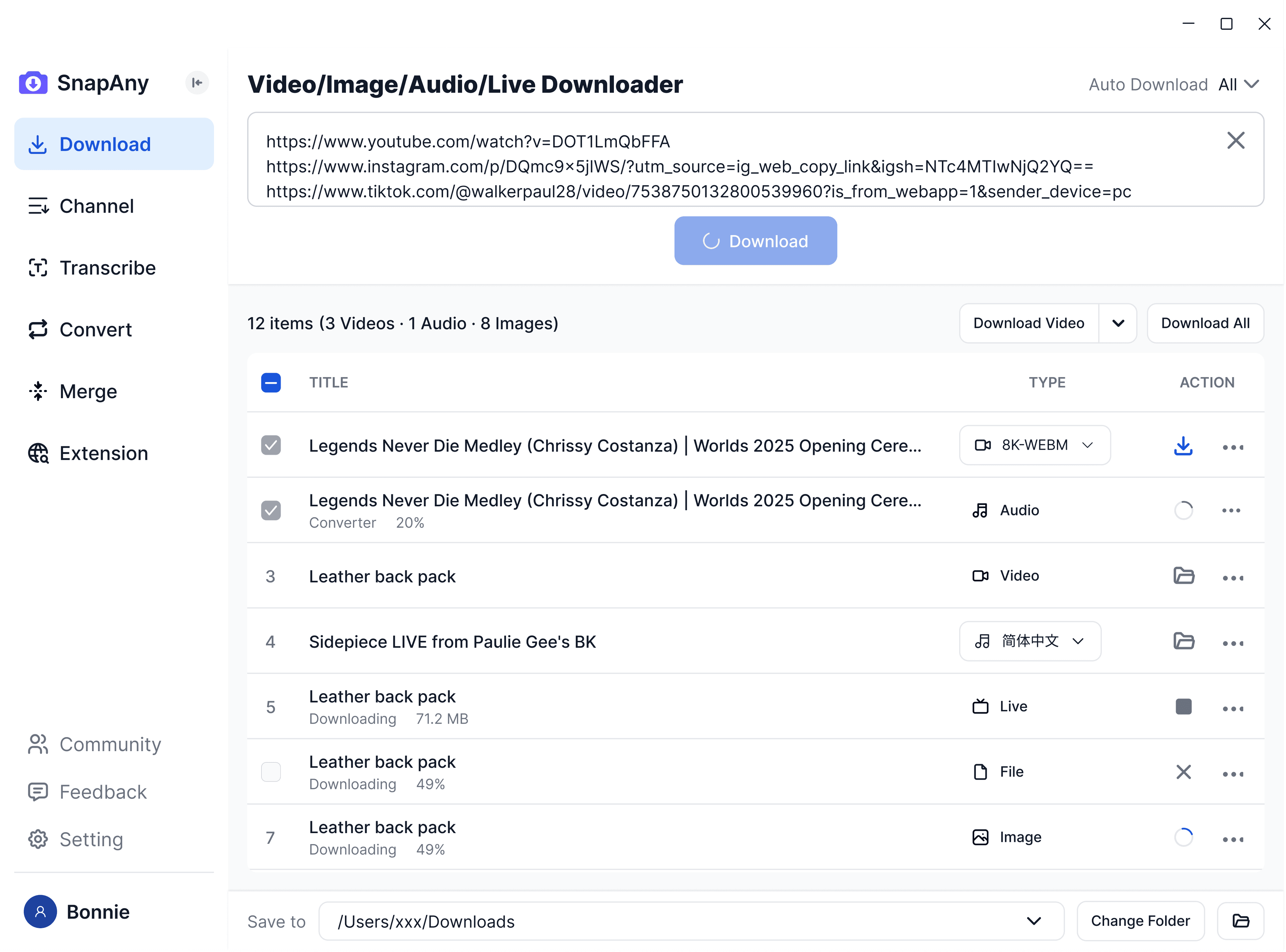
SnapAny Desktop App
Supports batch downloads from more platforms, subtitle and audio extraction, browser sniffing, media merging, and format conversion — a complete solution for all your download needs. Explore More
Related tools
Frequently Asked Questions
No. We fetch the original file, so nothing is stamped over the picture.