Vimeo Video Downloader
Paste a link, pick a quality, save the MP4. Works in the browser on any device
How to download Vimeo videos online?
- 1
Copy the video link
Open the video on Vimeo and copy the address bar, or use the Share button and copy the link it gives you.
- 2
Paste and extract
Come back to SnapAny, paste the link into the box above and click the button. It takes a few seconds.
- 3
Pick a quality and save
Every quality available for that video is listed with its file size. Click one and the video is saved as an MP4 with the sound already in it.
Why download Vimeo videos with SnapAny
Every quality the uploader published
1080p, 720p, 540p, 360p and 240p all show up when the original has them, each with its file size so you know what you are about to save.
Video and audio arrive as one file
Vimeo serves picture and sound separately. SnapAny puts them back together in your browser, so what you save is a normal MP4 you can play anywhere.
Multi-language audio tracks
When a video ships more than one audio language, each track is listed by name so you can save the one you actually want.
Nothing to install
No extension, no desktop app, no account. The page works the same on Windows, macOS, Android and iPhone.
The file never leaves your device
The video is assembled in your own browser and saved straight to your downloads.
Cover image too
The thumbnail is offered next to the video, so you can grab the cover art in one click.
SnapAny Desktop App
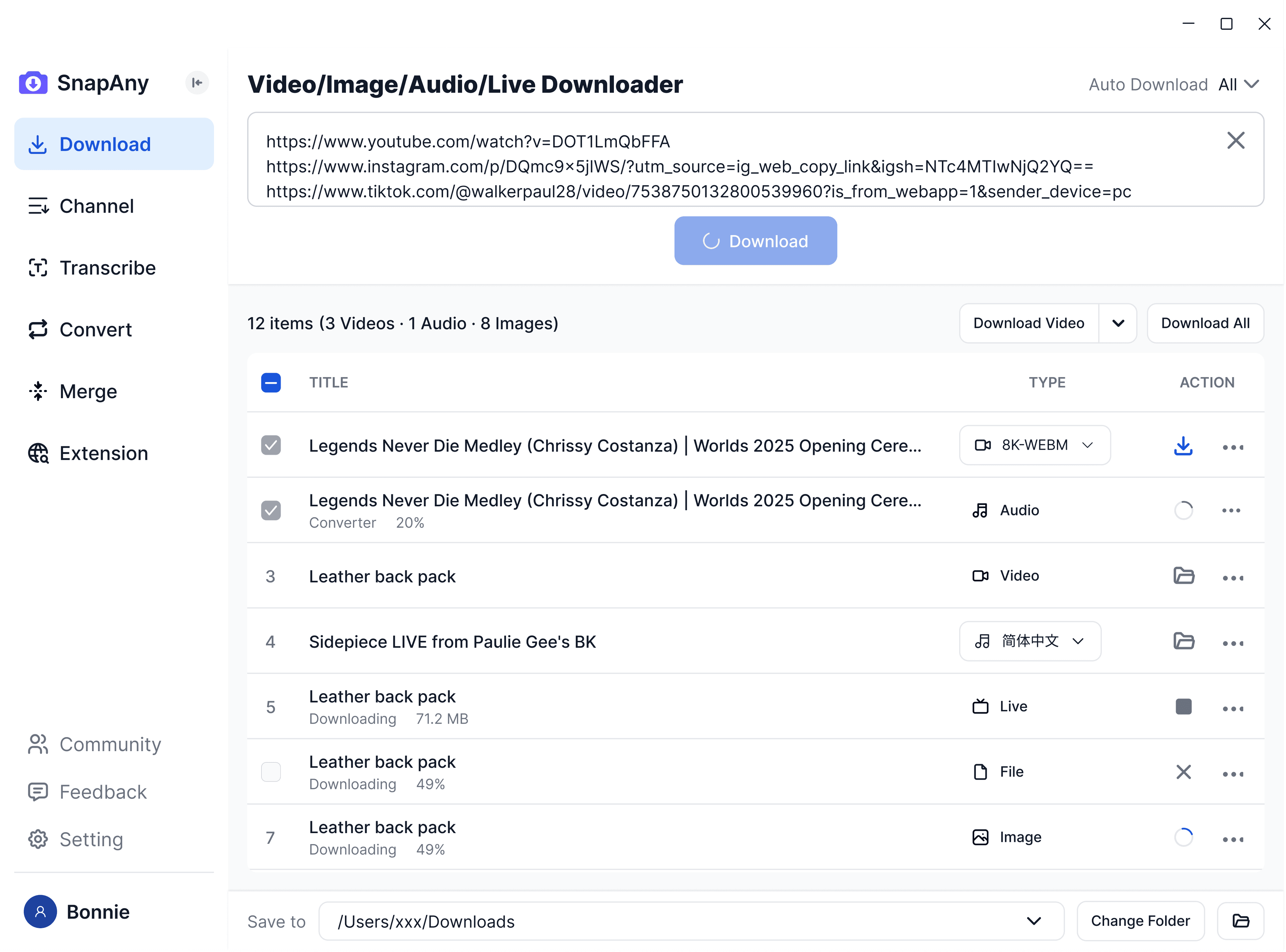
Supports batch downloads from more platforms, subtitle and audio extraction, browser sniffing, media merging, and format conversion — a complete solution for all your download needs. Explore More
SnapAny Extension
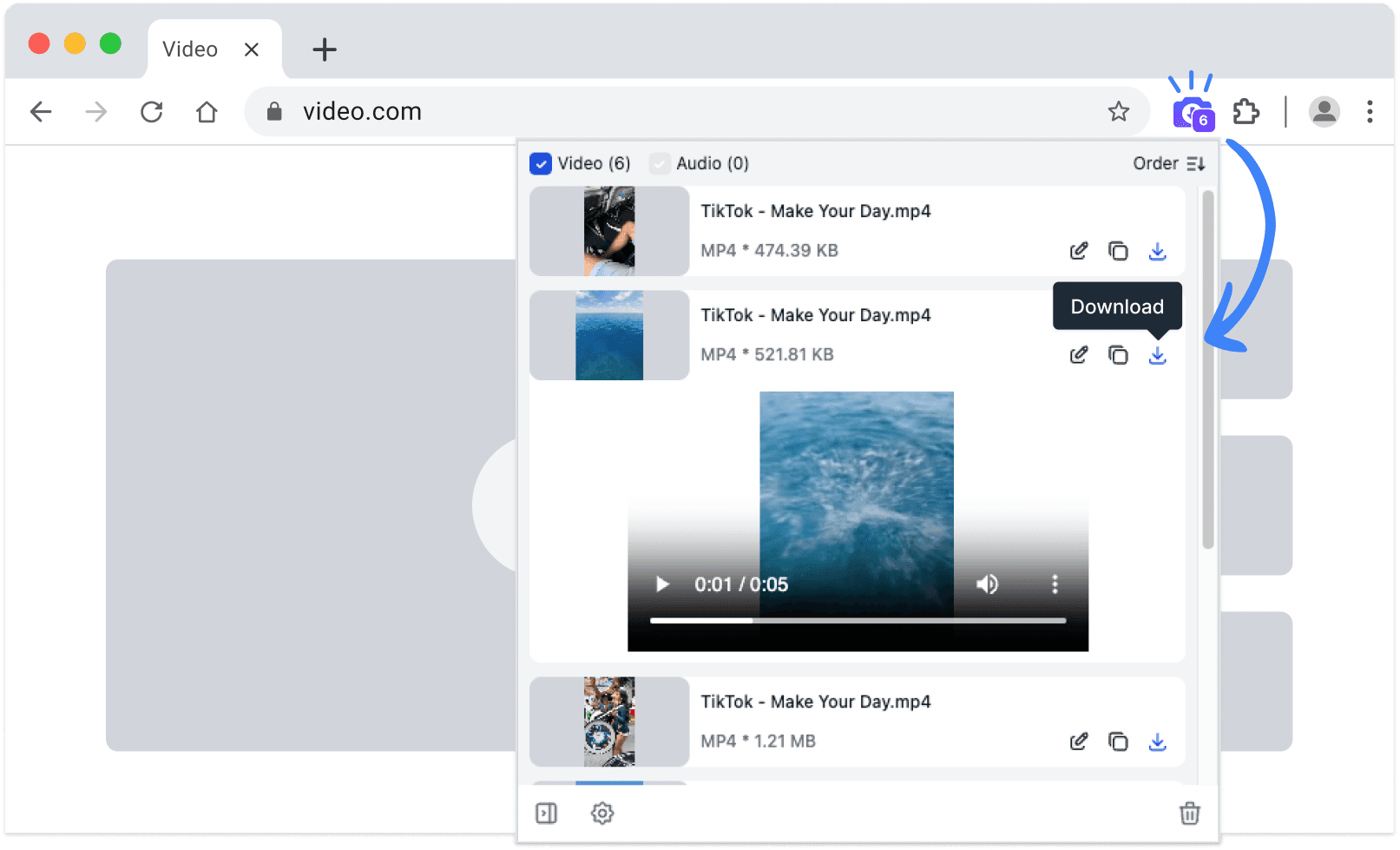
No copy-paste needed — SnapAny extension auto-detects videos, lives and audios on any webpage. Save in one click with fast, stable downloads. Explore More